
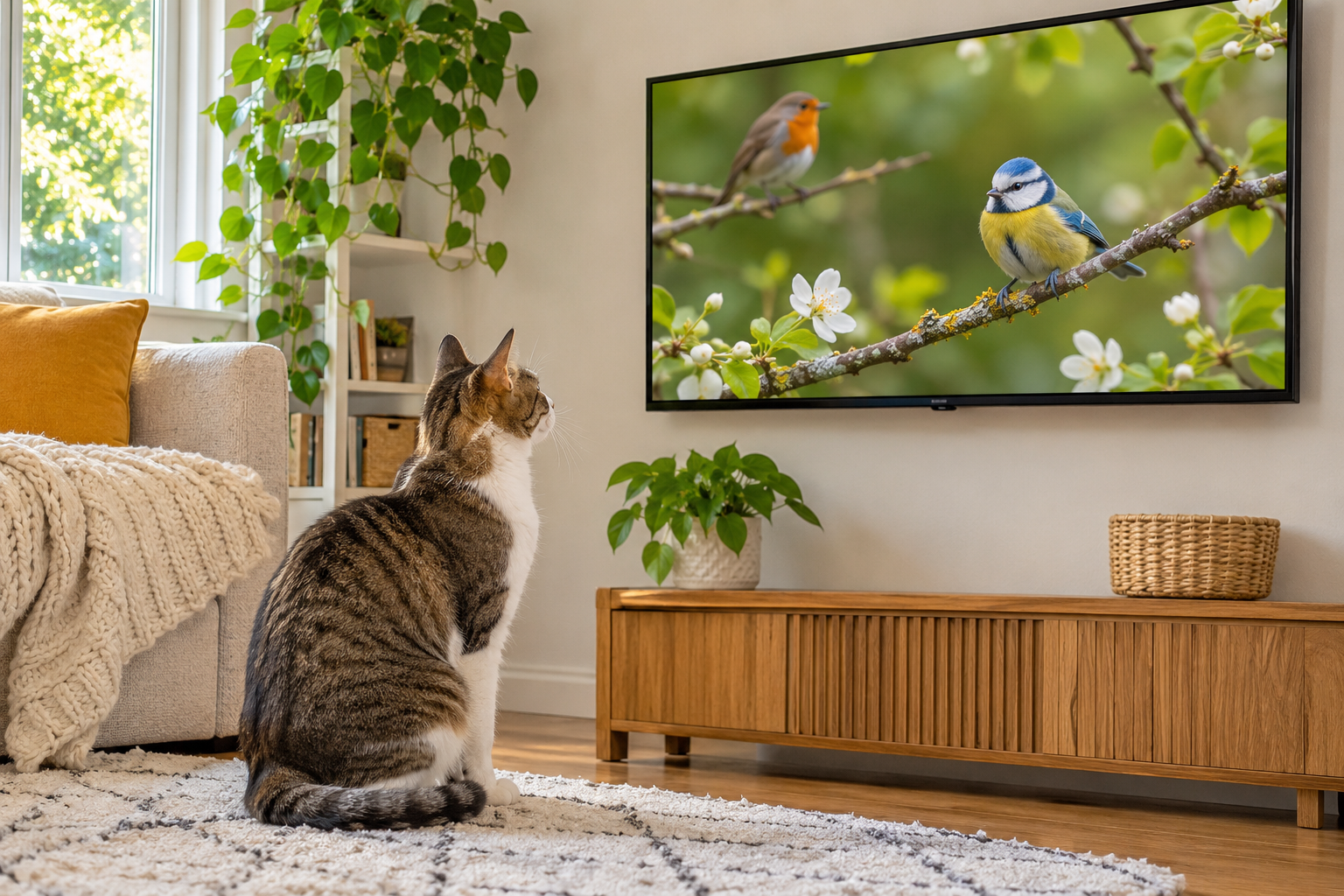
A screen timer or playlist limit can keep cat TV to short, supervised sessions and prevent autoplay from becoming a constant source of noise or stimulation.

Make screen time intentional
- Choose one calm nature clip rather than an endless autoplay queue.
- Check your television or streaming app for a sleep timer or playback end setting.
- Keep the volume low and the screen securely mounted.
- Watch the cat for signs of interest, overstimulation or attempts to jump.
- Stop the session and offer a tangible toy or another enrichment activity.
Why it works
Cats vary widely in preference. Limiting unattended playback is especially helpful when a cat pawing at the screen could knock over equipment or pull cables.
Mistakes and safety
Do not use TV as a replacement for fresh water, feeding, social contact or activity. End the clip if the cat becomes distressed.
Frequently asked questions
What if my cat ignores the video?
That is normal. Choose a different enrichment activity instead.
Related: Wondelique explanation.
Leave a Reply